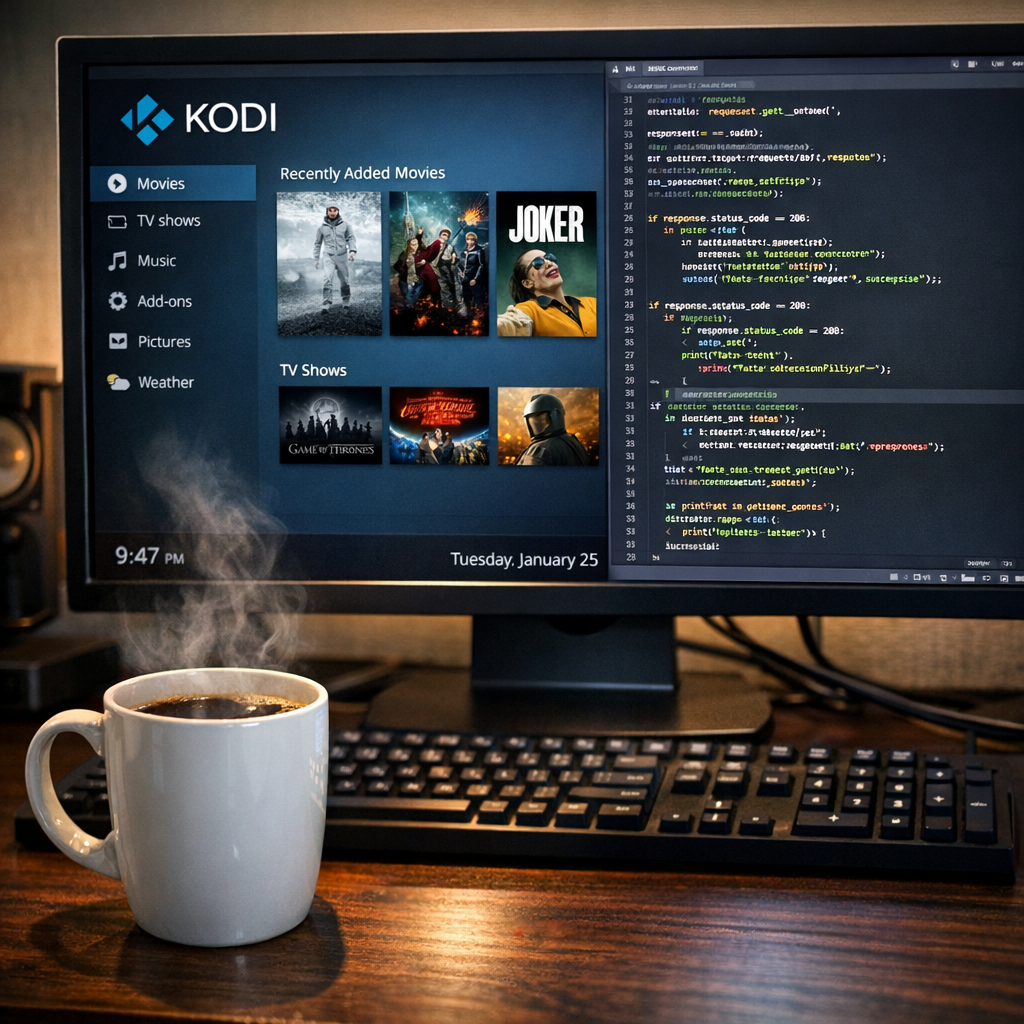
CREATING YOUR OWN KODI ADDON: A STEP-BY-STEP GUIDE
Creating Your Own Kodi Addon: A Step-by-Step Guide – Learn how to create your own Kodi addon with this easy-to-follow guide. Discover tips, tools, and resources to get started today. In short, this guide explains Kodi addon creating in plain language.
Kodi addon creating: Key Takeaways
- Creating a Kodi addon can enhance your streaming experience.
- You need basic coding skills to get started.
- There are many resources available for learning.
- Community support is vital for troubleshooting.
- Testing your addon is crucial before sharing it.
Kodi addon creating: What’s New Today

Kodi addon creating is gaining popularity among users who wish to customize their streaming experience. The demand for personalized content has led to a surge in the development of new addons. Recently, developers have shared innovative tools and tips for creating addons, making it easier for enthusiasts to dive into this creative endeavor. For instance, a new film and TV show addon called ManeFlix was announced, showcasing the growing interest in this area and the potential for unique content delivery [1]. This trend reflects a broader movement within the streaming community, where users are increasingly seeking ways to enhance their viewing experiences through personalized solutions.
Why It Matters
Creating your own Kodi addon allows you to tailor your viewing experience to your specific preferences. You can add features that suit your individual tastes, whether that includes specific content types, user interfaces, or even unique functionalities that are not available in existing addons. This level of customization not only enhances your enjoyment but also fosters creativity and technical skills. As you engage in the development process, you become part of a larger community of developers and users who share similar interests and challenges. This community aspect is vital, as it provides support, inspiration, and collaboration opportunities, further enriching the Kodi ecosystem [2].
Key Details
To start Kodi addon creating, you need some basic tools and knowledge:
- Python: Kodi addons are primarily written in Python, making it essential to learn this programming language. Python’s simplicity and versatility make it an ideal choice for addon development, allowing you to focus on functionality rather than getting bogged down by complex syntax.
- XML: This markup language is used for designing the user interface of your addon. Understanding XML will help you create visually appealing and user-friendly interfaces that enhance the overall user experience.
- Kodi API: Familiarize yourself with the Kodi Application Programming Interface (API). This powerful tool allows your addon to interact seamlessly with Kodi, enabling you to access various features and functionalities that enhance your addon’s capabilities.
- Community Forums: Engage with forums like the Kodi Community Forum for support and advice. These platforms are invaluable resources where you can ask questions, share your experiences, and learn from others who have successfully navigated the addon creation process [3].
What People Are Asking
Many new developers have questions about Kodi addon creating. Here are some common inquiries:
- How do I start? Begin by learning Python and exploring existing addons. Familiarizing yourself with the structure and functionality of popular addons can provide insights into best practices and innovative ideas.
- What tools do I need? A text editor, Python, and access to Kodi are essential. Additionally, consider using version control systems like Git to manage your code effectively and collaborate with others.
- Can I monetize my addon? Yes, but be aware of Kodi’s policies on copyright and content. Monetization can be achieved through various means, such as donations, premium features, or advertising, but it is crucial to ensure that your addon complies with legal standards and respects content ownership [4].
Popular Searches and Questions
People often search for:
- Best practices for Kodi addon creating, which can include coding standards, user interface design, and performance optimization.
- How to troubleshoot common issues, as many developers encounter challenges during the development process that require effective problem-solving skills.
- Examples of successful Kodi addons, which can serve as inspiration and provide practical insights into what works well in the Kodi environment.
FAQ
What is a Kodi addon?
A Kodi addon is a plugin that adds features or content to the Kodi media player. It can provide access to streaming services, games, or other media, significantly expanding the functionality of the Kodi platform.
Do I need coding skills to create an addon?
Yes, basic coding skills, especially in Python, are necessary for Kodi addon creating. While some aspects of addon development can be learned through trial and error, a solid understanding of programming concepts will greatly enhance your ability to create effective and efficient addons.
Where can I find resources to learn?
There are many online resources available, including forums, tutorials, and documentation on the Kodi website. Websites like GitHub also host numerous open-source Kodi addons, allowing you to study their code and learn from real-world examples [5]. Additionally, video tutorials on platforms like YouTube can provide visual guidance and step-by-step instructions for beginners.